Tattoo simulator
Pick a design, place it on your photo and adjust its size and placement to see if it suits you, before you talk to a tattoo artist.
-
Pick a design
-
Place it on your photo
-
See it in 3D on your skin
Designs from the site
 Butterfly
 Flower
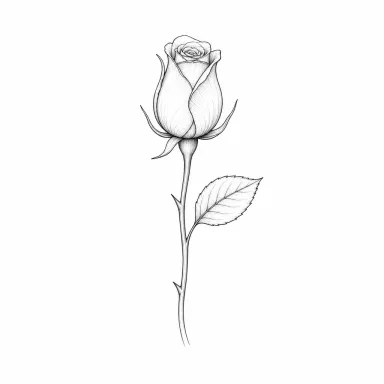 Rose
Rose
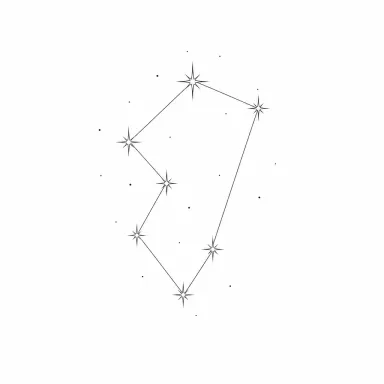 Star
Star
- Create your design Describe your idea and the tool draws 4 variations to try.
-
 Rose
Fine line
Try it
Rose
Fine line
Try it
-
 Rose
Blackwork
Try it
Rose
Blackwork
Try it
-
 Rose
Realism
Try it
Rose
Realism
Try it
-
 Rose
Old school
Try it
Rose
Old school
Try it
-
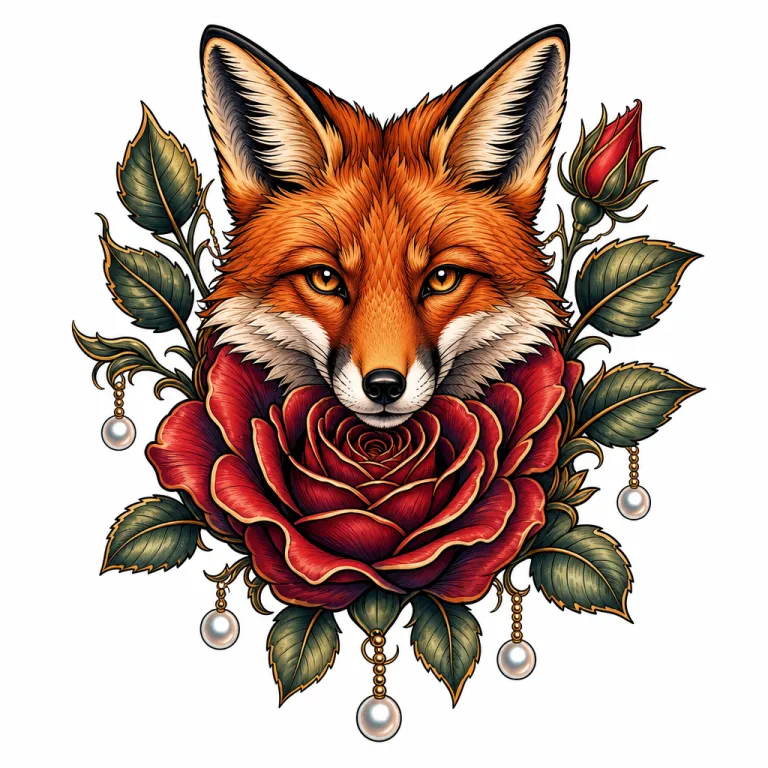 Rose
Neo-traditional
Try it
Rose
Neo-traditional
Try it
-
 Rose
Japanese
Try it
Rose
Japanese
Try it
-
 Rose
Blackwork
Try it
Rose
Blackwork
Try it
-
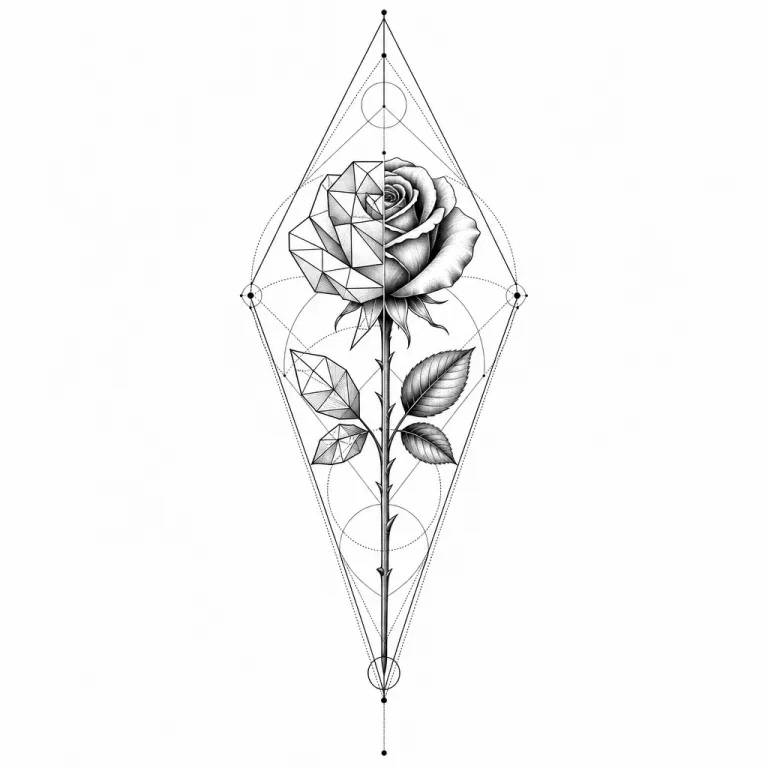 Rose
Geometric
Try it
Rose
Geometric
Try it
-
 Rose
Minimalist
Try it
Rose
Minimalist
Try it
-
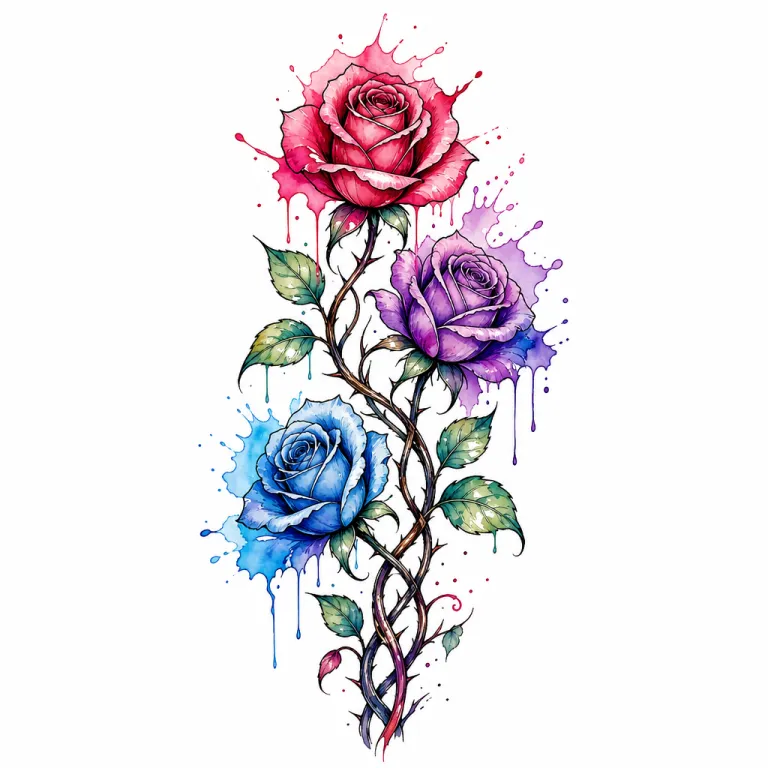 Rose
Watercolor
Try it
Rose
Watercolor
Try it
-
 Rose
Dotwork
Try it
Rose
Dotwork
Try it
-
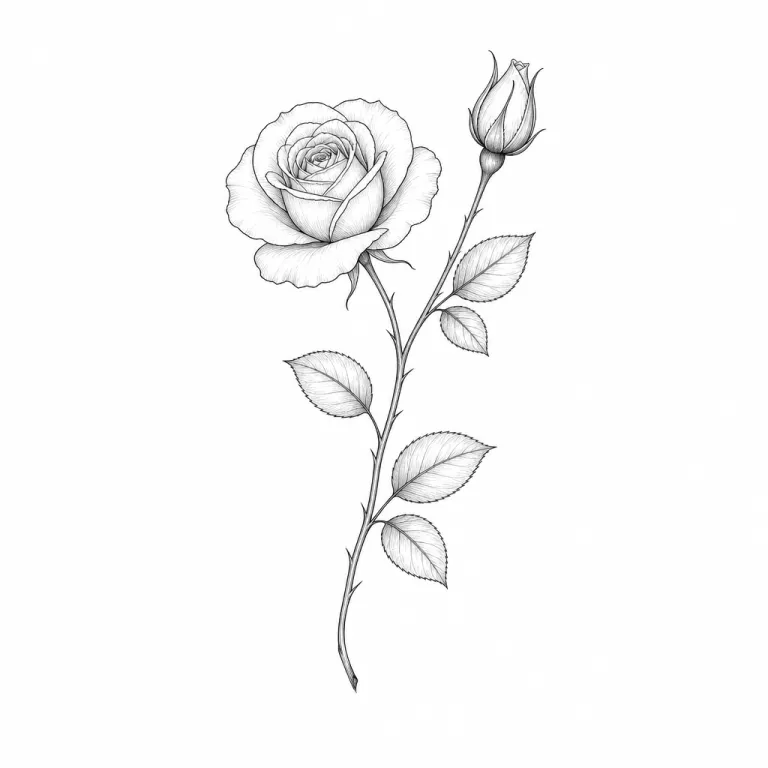 Rose
Fine line
Try it
Rose
Fine line
Try it
-
 Rose
Blackwork
Try it
Rose
Blackwork
Try it
Frequently asked questions
Is the tattoo simulator free?
Yes. The preview on your photo is free and needs no account: pick a design, add your photo, then adjust the size, angle and placement.
Is my photo sent to your servers?
Not for the preview: it runs entirely in your browser. Only the 3D render on your skin sends your photo, if you agree, and it is deleted right after processing.
How can I see the tattoo as if it were already done?
After the preview, the 3D render places the design on your skin, following its shape and light. It requires an account and credits.
I can't find the design I want
Create your own: describe your idea, pick a style, and the tool offers four variations you can try right away in the simulator.